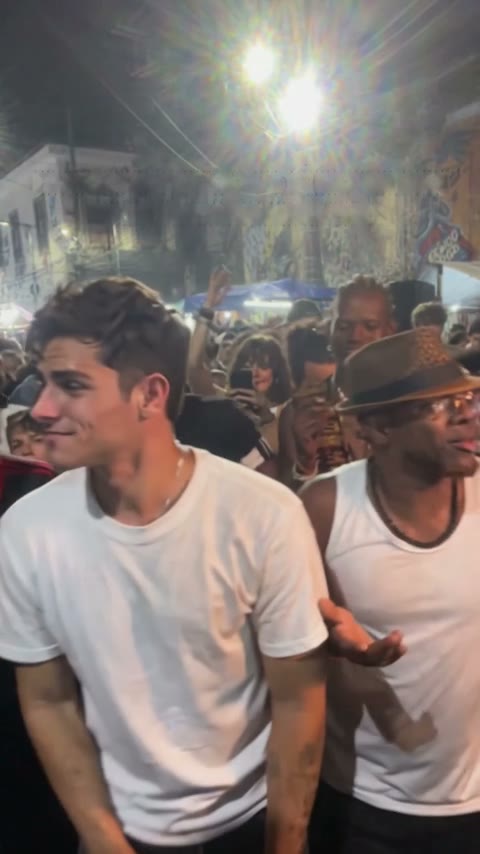
Choose a sharp front-facing image with even lighting. Knees-up or full-body photos provide outfit and proportion information. Crop out bystanders and avoid sunglasses, heavy filters and motion blur.
Configured output: 15 seconds, 480p, original audio, vertical 9:16. Each video uses 20 purchased credits. Photo preview is free. Results and choreography can vary.
Show more than the face
A clear face supports likeness. Knees-up or full-body framing also provides clothing and body proportion information. Keep space around arms and legs. Avoid repeatedly compressed screenshots.
Check the photo before upload
Photo selection creates a local browser preview. Remove or replace the image before submitting if needed. Use a photo you have permission to use and crop out bystanders. Generation sends references to the configured video service.
Sources and editorial notes
Studio instructions describe the current Charme Dance AI workflow. Creative briefs are optional planning examples; the studio generates with built-in scene and style scripts. Third-party guides link to their official documentation and do not imply an integration or a quality ranking. Read our editorial approach