Start with a local preview of one portrait photo. Review the fixed Baile Charme scene and output settings, then sign in and submit with purchased credits. Return to the saved task instead of submitting duplicate requests.
Configured output: 15 seconds, 480p, original audio, vertical 9:16. Each video uses 20 purchased credits. Photo preview is free. Results and choreography can vary.
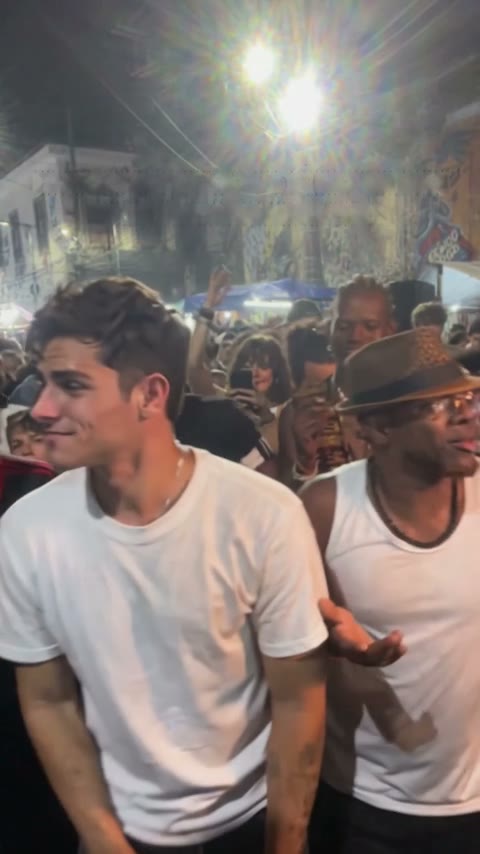
Prepare your scene
Upload one clear portrait photo. The Baile Charme scene is preset. Select framing, and review the model and 20-credit cost. You do not need a custom prompt.
Generate and download
Sign in and submit with purchased credits. Follow the saved task rather than submitting duplicates. Download promptly when complete, and inspect faces, feet, crop and audio in the actual file.
Fuentes y notas editoriales
Las instrucciones describen el proceso actual de Charme Dance AI. Los planes creativos son opcionales; el estudio genera con guiones integrados. Las guías externas enlazan documentación oficial sin implicar integración ni ranking de calidad. Nuestro enfoque editorial